Sketches in motion.

Explore how AI can turn a drawing into a moving scene.

Try for free

DrawToVideo Demo

2.VIDEO

Upload, generation, settings and pricing are handled on 2.VIDEO.

Open 2.VIDEO

Loading demo…

Please wait while the demo prepares.

See it move

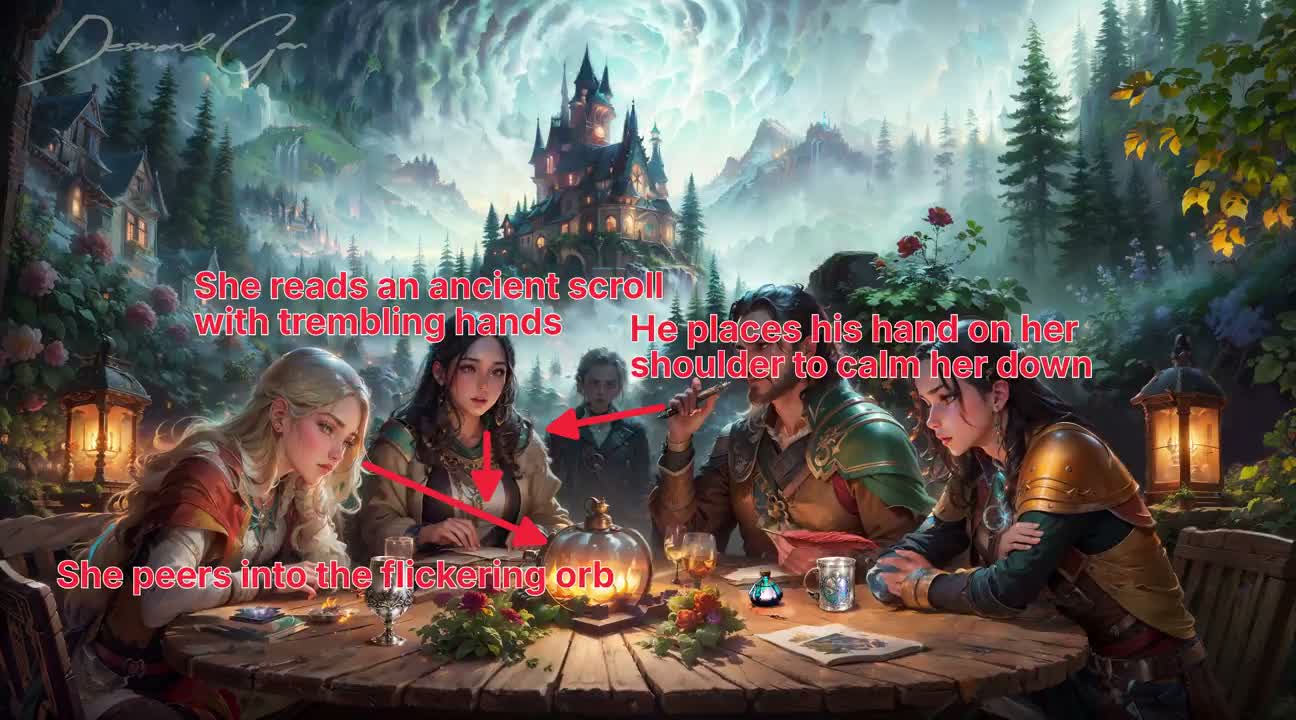
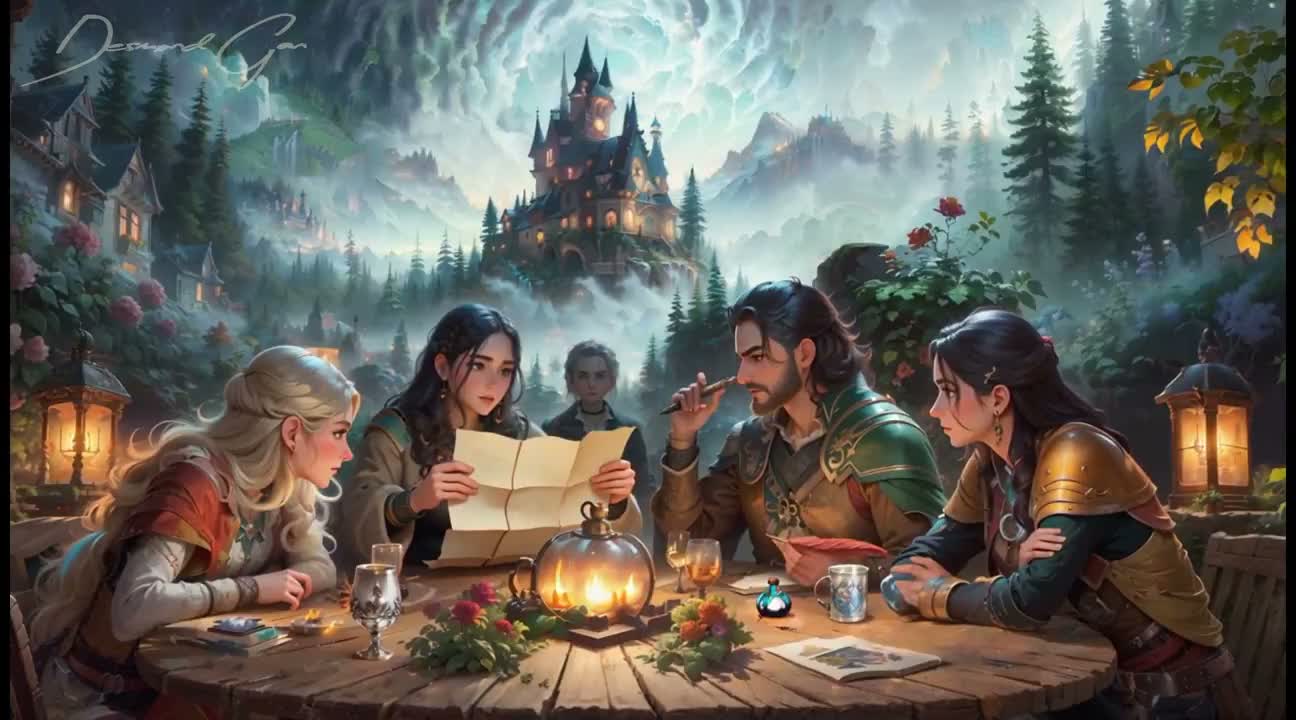
Original DrawToVideo demonstration. This is a recorded video, not a live generator.

Original DrawToVideo demonstration. This is a recorded video, not a live generator.
See it move
00:00
See it move
00:03
See it move
00:06

Your next steps

  1. Prepare an image

    Prepare a clear original image and keep an untouched copy.

  2. Choose your settings

    Choose settings that match the intended size and use. Check the input requirements before processing.

  3. Review your result

    Compare the result with the original before saving it. Adjust one setting at a time if needed.

Give your drawing a direction

Start with a readable frame

Choose a drawing whose subject is easy to recognize before it moves. A character with a clear silhouette, a product with visible edges, or a building with a simple foreground gives you a useful starting point. Remove accidental borders and rotate the image into its intended orientation. If you photograph a sketchbook, use even light and keep the camera parallel to the page so shadows and perspective do not become part of the scene.

Save an untouched copy before cropping. Decide which elements belong in the final frame and which are only notes for yourself. A clean source will not guarantee a particular animation, but it makes changes easier to judge. When you review the first result, compare it with that saved original and look for details that should have remained stable, such as a character's costume, the shape of an object, or the position of the horizon.

Describe one visible action

Write the motion you want as a short scene description. Instead of asking for an exciting animation, specify a visible event: a paper bird opens its wings, a drawn boat moves across calm water, or the camera approaches a doorway. Separate subject movement from camera movement. A character turning while the camera circles and the background changes asks for several different decisions at once.

For a first attempt, keep the setting steady and choose one action that can be recognized from beginning to end. Mention what should stay in place as well as what should move. The demonstration on this page is a recorded example, so use it to study the relationship between a drawing and motion rather than expecting the same result from every source image.

Three ideas worth exploring

Character moments and illustrated stories

A short character moment can communicate more clearly than a crowded scene. Think of an illustrated fox lifting its head, a figure waving from a window, or a small creature pausing before a jump. Establish the pose in the drawing and choose a motion that follows naturally from it. For a story sequence, plan each shot separately and keep a reference sheet for clothing, colors, and proportions.

Compare the end of one shot with the beginning of the next before placing them together in an editor. A generated clip can help you explore pacing and mood, but it should not be treated as a finished storyboard with guaranteed continuity. If an expression or identity detail matters, inspect those frames closely. Small movements often give you a more useful first comparison because fewer parts of the picture need to change at the same time.

Product concepts and spaces

Use a product sketch to explore how an idea reads when the viewpoint changes, or use an architectural illustration to suggest a journey through a space. Define the object or building clearly and avoid filling every area with fine annotations. For a product concept, consider a gentle reveal that keeps the main outline visible. For an interior, choose a clear destination, such as a table, window, or passage, and note the intended direction of movement.

Treat these clips as visual studies. Generated movement may alter geometry, materials, lettering, or proportions, so it cannot establish that a design is physically accurate or ready to manufacture. Keep the original drawing beside the result when discussing the idea with others. If a detail is important to the proposal, show a still image or a labeled drawing alongside the moving concept so the viewer can distinguish intention from interpretation.

Review the sequence, not just the thumbnail

Watch for changes between frames

Play the complete clip once at normal speed to judge its overall rhythm. Then pause at the beginning, middle, and end and compare the subject's shape, background, and important details. Look for unexpected objects, shifting outlines, unstable faces, or a camera move that hides the action you wanted to show. A strong first frame does not necessarily mean the full sequence is usable.

Write down one specific issue before trying again, such as too much background movement or an object changing shape halfway through. Change the source or motion brief to address that issue while keeping the rest of the setup consistent. This gives you a clearer comparison than rewriting everything at once. Keep a simple record of the drawing, description, and selected options for each attempt, especially when several versions look similar in the results list.

Prepare the clip for its destination

Decide where the animation will appear before choosing your final version. A small social post, a presentation slide, and a full screen story need different framing and pacing. Preview the clip in the actual layout when possible and check that the subject remains visible when the surrounding interface or captions are added. Leave space for titles in your editing workflow instead of relying on generated lettering to stay readable during movement.

Keep the source drawing and the selected clip together so you can return to the idea later. Check the exported clip from beginning to end, including the first and last frames. Keep the frame rate and dimensions in your revision notes so that later edits can be compared consistently.

Questions, answered

Which drawings work best?

Clear, well-defined drawings with distinct elements work best. This includes character sketches, product designs, architectural drawings, illustrations, and artwork with defined shapes and lines for optimal drawing animation results.

Where do I get started?

Prepare a clear original image and keep an untouched copy.